Appliances
Rent a TV in Bangalore: Prices, Sizes & Match-Day Guide

7 min read
Prakash Seshadri
Oct 2026
Rent a TV in Bangalore for the Cricket Season or a Short Stay: Sizes, Prices and a Match-Day Checklist
Toss at 7:30; TV still not sorted
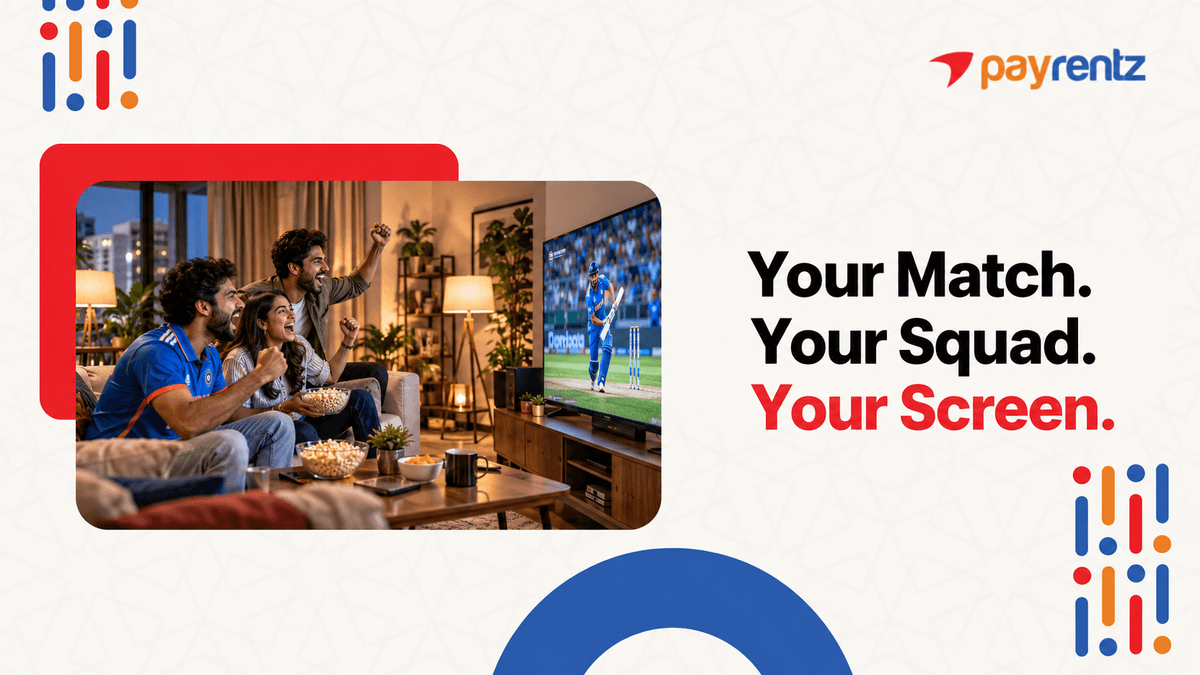
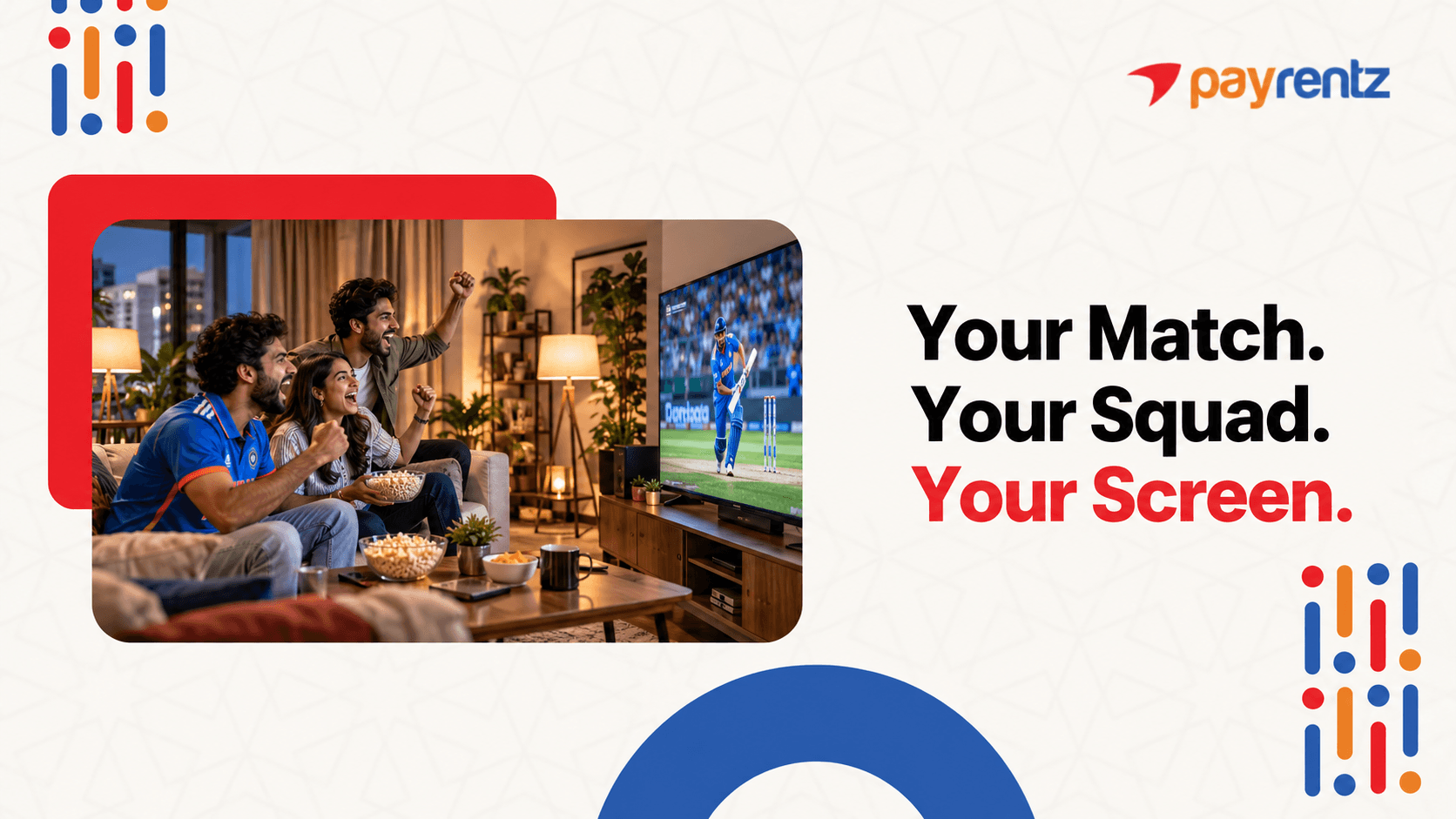
The snacks are ready. Your friends are already arguing about which team will win. Someone has even picked the best seat in the room. Then comes the big problem: where is the TV?
Buying a TV just for a two-month cricket season may not feel like a smart move. The same goes if you are staying in Bangalore for only a few months.
This is where renting can make things easier. You can pick the screen size you need, use it for as long as you need, and return it when your season or stay is over.
If you are looking for a rent TV Bangalore option, this guide will help you compare sizes, monthly prices, cost per person and even get your match-day setup ready.
First, is renting actually the right call for you?
Rent, buy or skip: which player are you?
Think of yourself as a player entering the match. Your stay, room and budget decide which option makes sense.
The Season Watcher
You mainly want a TV for the cricket season. Maybe it is around two months of matches with friends. In this case, renting makes sense. You get the screen without buying something that you may not need after the season.
The Flat-Sharing Group
Four friends sharing one flat? Instead of one person paying for the full TV, split the monthly rental between everyone. You get a better screen for match nights and can return it when the season ends.
The PG Resident
Got a small room and a short stay? A 32" TV can be enough. It takes less space and works well when you mainly want something for your room.
The Intern or Project Assignee
Staying in Bangalore for 3 to 6 months? Renting can save you the trouble of buying, shifting and later selling a TV. Just choose a plan that fits your stay.
The Long-Term Stayer
Planning to stay for years and already have enough space? Buying may make more sense for you.
Rental plans can range from 1 to 24+ months, and the monthly plan can change based on how long you rent. So, choose based on how long you actually need the TV.
Decided to rent? Now pick your screen.
Pick your screen: size guide by room and group
Not every match needs a giant screen. The right size depends on your room, viewing distance and how many people will be watching.
| TV | Price/month | Best for | Max group |
| 32" LED Smart TV | ₹672 | PG or small bedroom | 1-2 people |
| 40" LED Smart TV | ₹858 | Small hall | 2-3 people |
| 43" LED Smart TV | ₹924 | Hall in a shared flat | 3-4 people |
| Lumio 43" QLED Smart TV | ₹1,037 | Better picture quality | 3-4 people |
| 50" LED Smart TV | ₹1,560 | Big group and match-day parties | 5+ people |
A simple viewing-distance tip
32": Keep it around 4-6 feet away for comfortable viewing.
40": Around 5-7 feet works well for a small hall.
43": Around 6-8 feet gives you a good view without sitting too close.
43" QLED: Give yourself around 6-8 feet of viewing space to enjoy the picture.
50": Around 7-10 feet is a good range, especially when several people are watching.
And if you want something fresh, brand-new TVs are also available to rent.
Now the maths: what will it cost each of you?
Split the bill: cost per person and tenure plan
"Okay, I'll do the maths."
If that sounds like something your group chat would say, here are a few simple examples.
Example 1: Four flatmates
A 43" LED Smart TV costs ₹924 per month.
For a 2-month cricket season:
₹924 × 2 = ₹1,848 total
Split between four people:
₹1,848 ÷ 4 = ₹462 each
So each flatmate pays about ₹462 for the full two-month period.
Example 2: Five friends, bigger screen
A 50" LED Smart TV costs ₹1,560 per month.
With five people sharing:
₹1,560 ÷ 5 = ₹312 per person per month
That means the group gets a bigger screen while keeping the cost per person lower.
Example 3: Solo PG resident
Staying alone? A 32" LED Smart TV is available at ₹672 per month.
No splitting. No group maths. Just your TV and your cricket.
Keep in mind that the monthly price can change with the rental duration. Longer plans may have a different monthly rate, so your exact quote depends on how long you want the TV.
Another plus? Free maintenance is included throughout the rental.
Money sorted. Now the match-day setup.
Match-day setup checklist
The TV is here. But before everyone starts shouting "six!", check these five things.
Before the match:
1. Check how you will watch
For IPL 2026, the official IPL listing names Star Sports as the official TV broadcaster and JioHotstar as the official digital streaming partner. Always check the current season's official information before publishing or planning your setup.
2. Check your Wi-Fi.
If you are streaming, make sure your internet connection is strong near the TV.
3. Keep a power point ready.
Do not wait until the toss to discover that the nearest plug is on the other side of the room.
4. Set the viewing spot.
Place the TV where everyone can see it comfortably. Keep enough space between the screen and the seats.
5. Sort the sound.
The TV speakers may be enough for a small group. For a bigger match-day crowd, a soundbar can be an optional extra.
Phone casting can also be useful when you want to show something from your phone on the bigger screen.
Here's how to get it before the opening match.
Your timeline: book before the first ball
Getting your TV ready does not have to become a last-over chase.
The basic process is simple:
1. Choose your TV.
Pick the size and model that suit your room and group.
2. Pay.
Complete the payment for your rental plan.
3. Complete KYC.
Keep the required KYC documents ready so there is no last-minute delay.
4. Get your TV.
payrentz provides delivery within 24 hours.
If you already know your match-day date, booking 1-2 weeks before the opening match can give you some breathing room, especially when many people are looking for TVs at the same time.
When your season or stay ends, check the return and pickup terms with payrentz before your plan ends.
Also, check whether the TV and plan you want are available at your location.
And if you want it sorted today...
Make match day easy.
You do not need to buy a TV just because the cricket season is coming. If you need a screen for a short stay, a shared flat or just a season of matches, renting can keep things simple.
With payrentz, TV rental starts from ₹672/month, with 24-hour delivery, quality-checked products and free maintenance throughout the rental. Brand-new TV options are also available if that is what you prefer.
So, whether it is a small PG room or a full match-day party with your flatmates, you can pick a screen that fits your space and budget.
Ready to get your match-day screen? Check out the TV rental options from payrentz.
Plans vary by duration. Terms apply. Availability depends on location.